Your whole base, in one place.
YWAM Base connects your schools, students, budgets, maintenance, vehicles, meals and plans in one app. No more switching between spreadsheets, group chats and task boards to find out what's happening on base.
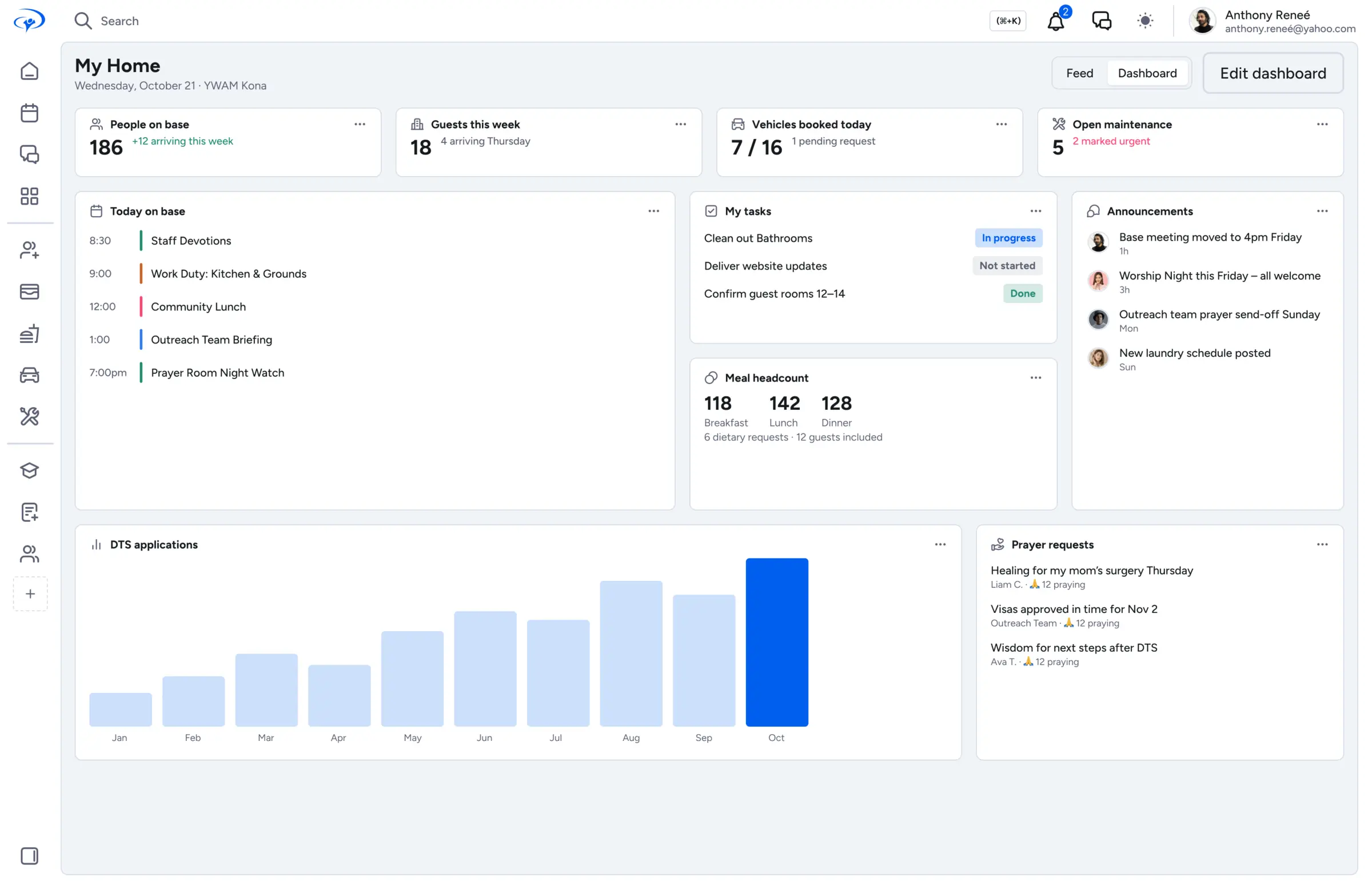
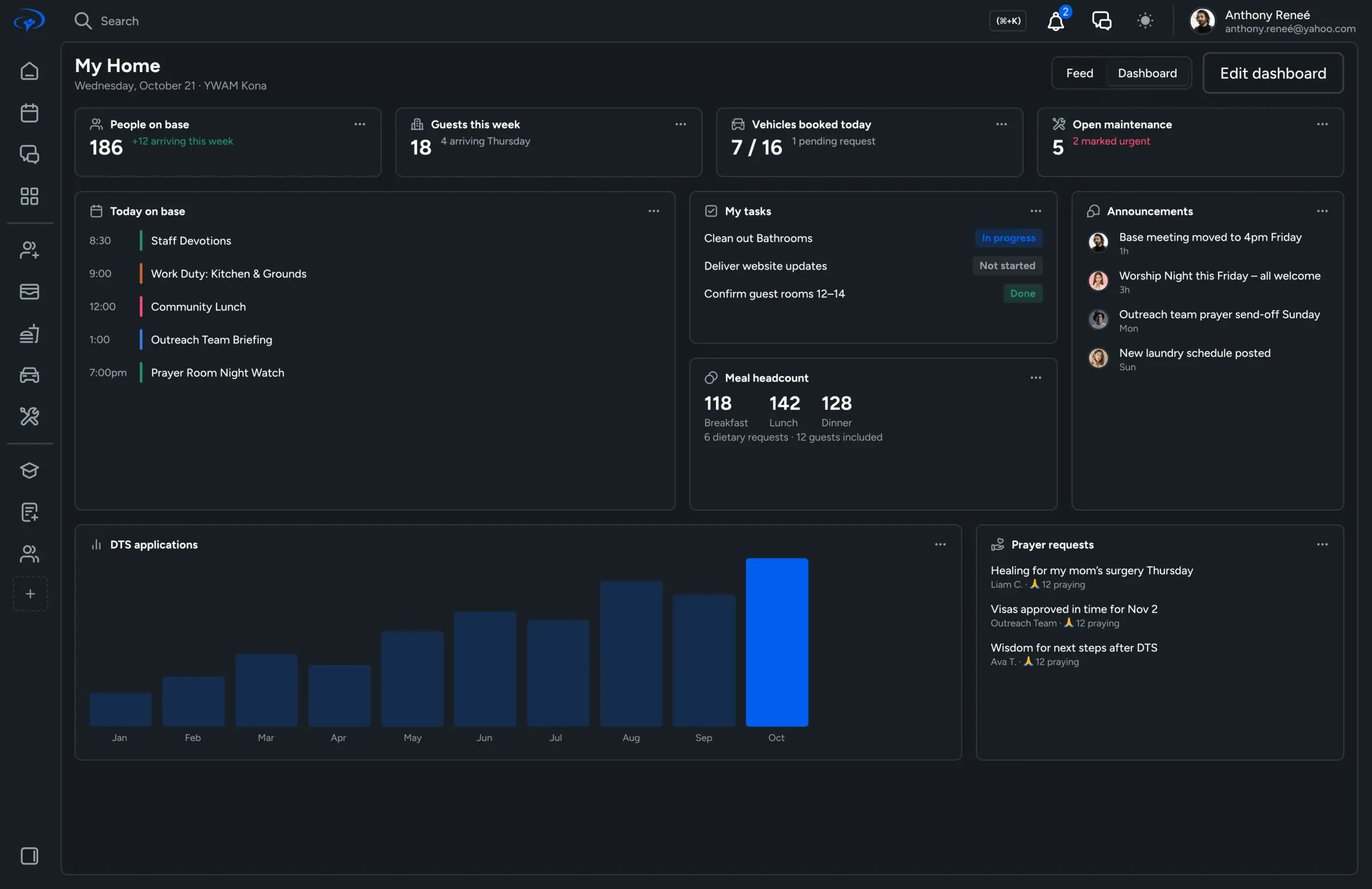
Everything your base used to keep in a dozen different places
From seven open apps to one place to look
Spreadsheets, group chats, task boards, email threads and shared folders each hold a piece of the picture. YWAM Base brings them together, so every leader, staff member and student sees the same plan. Drag the slider to compare.
Every part of base life, connected
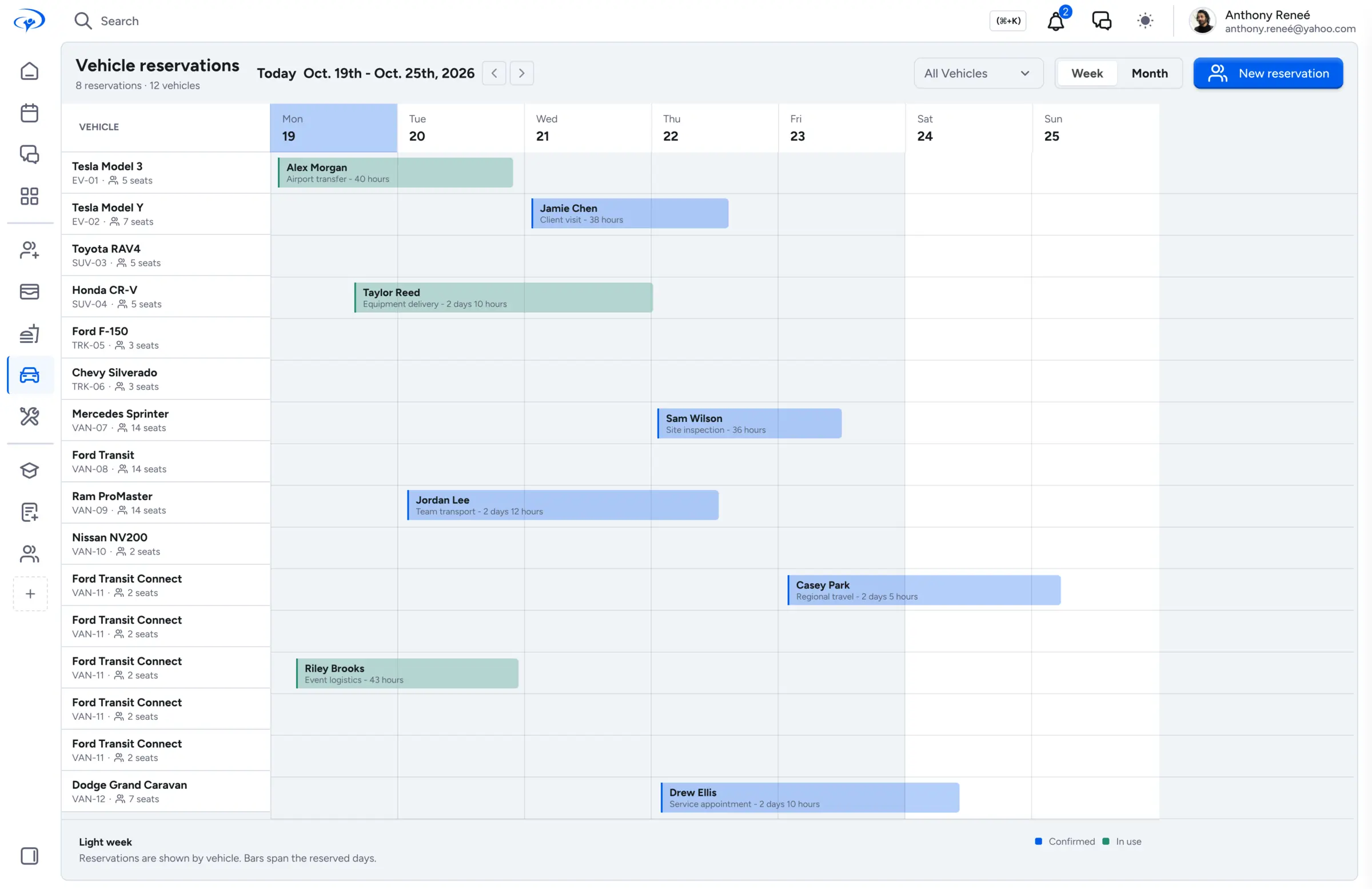
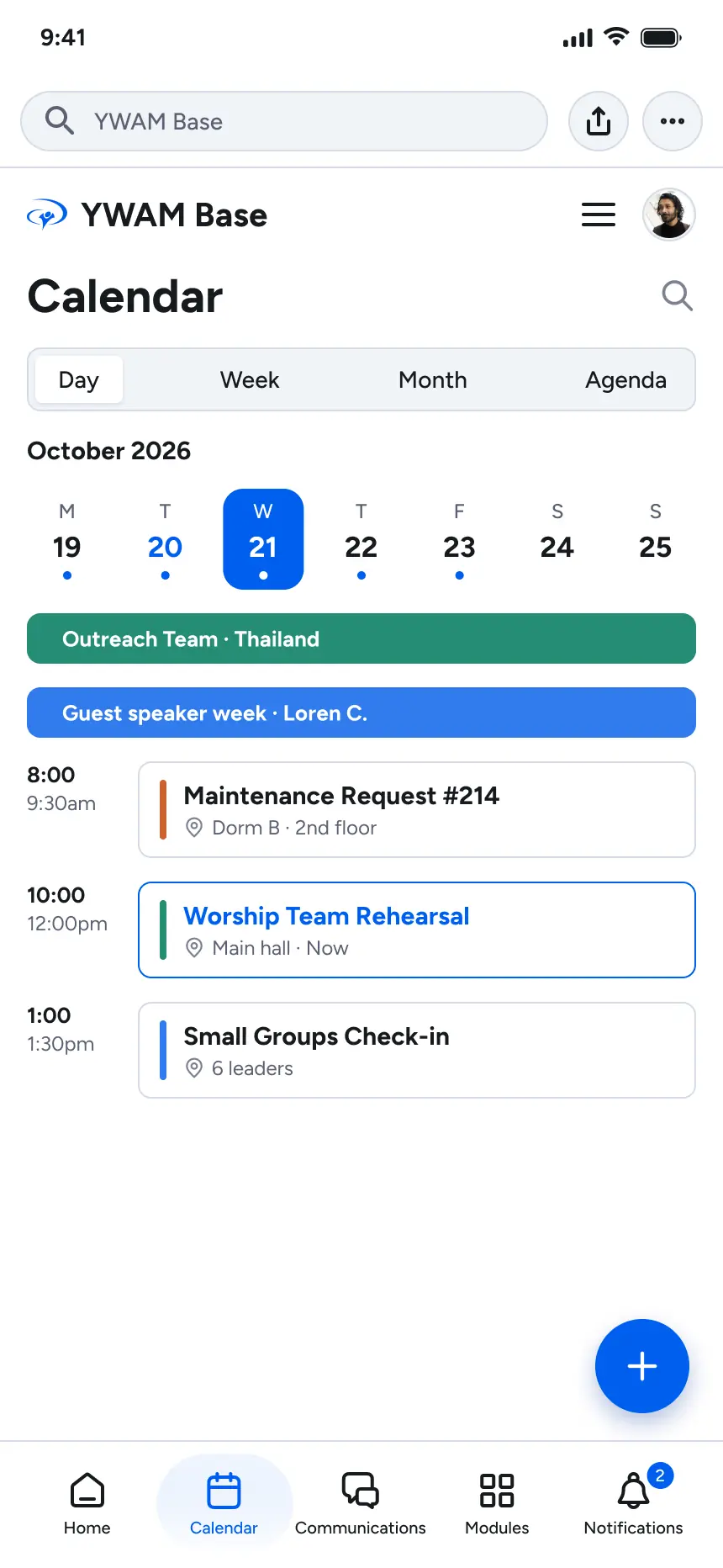
Each module works on its own and shares data with the rest. A school's outreach shows up in Planning, its van in Transportation, and its meals in the kitchen's headcount. Click any card to see the full screen.
See every module, full screen
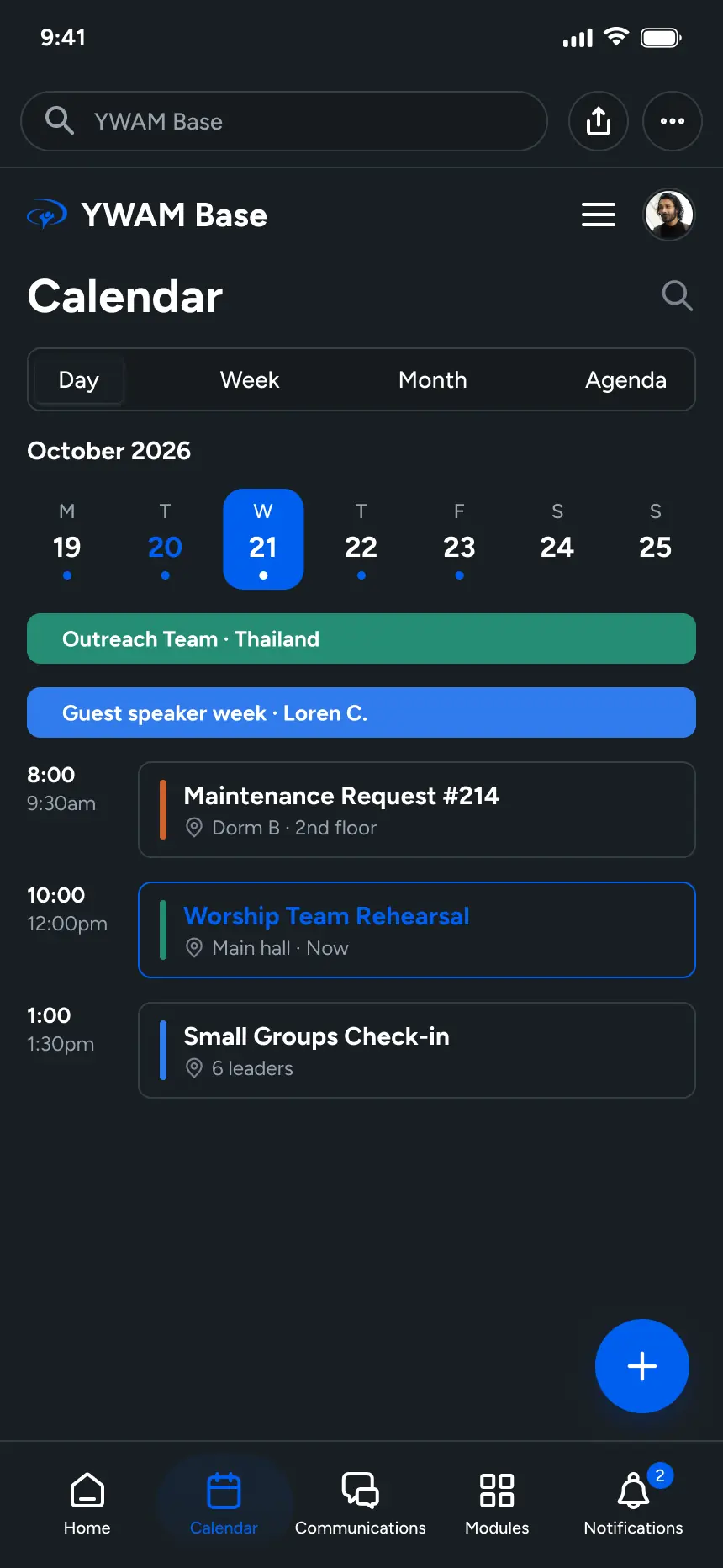
These are the real screens. Pick a module, or let the tour play.




Everyone sees what they need, and nothing they don't
The sidebar builds itself from each person's roles and the modules your base turns on. A kitchen lead never wades through vehicle settings, and a student never sees staff budgets.
Base leaders
Every school, budget and plan across the base. Approve vehicle, room and stay requests from wherever you are.
Staff
Your school, your department and your tasks. Book the van, report the broken AC and message your team in the same place.
Students
Your lecture schedule, your balance, your meal credits and your outreach team, on your laptop or phone.
Open a browser and your base is there
There's nothing to download. YWAM Base runs on the laptops, tablets and phones your staff and students already have, including on outreach.
Good to know
Anything else? Join the waitlist and ask us when we reach out.
What does a beta tester do?
Your base uses YWAM Base for real day-to-day work, tells us what works and what doesn't, and helps decide what we build next.
Do I need to download an app?
No. YWAM Base runs in any modern browser on a computer, tablet or phone. Once your base is set up, everyone just signs in.
Our base doesn't have a kitchen. Do we pay for modules we don't use?
You turn modules on or off for your base. If Meals is off, nobody sees it, admins included.
Can students use it, or only staff?
Both. Students get their own schedule, balance, meal credits and outreach team. Staff and leaders see more based on their roles.
Can we bring in our existing spreadsheets?
Yes. Import students, vehicles, rooms and contacts from a spreadsheet when you set up your base.
Does it work for more than one school at a time?
Yes. Run a DTS, a School of Worship and a secondary school side by side, each with its own staff, schedule and outreaches.
Help us build YWAM Base
We're in beta and looking for bases to test it with us. Join the waitlist and we'll reach out when there's a spot for your base.